Mastering UX Design for Mobile Apps in 2026
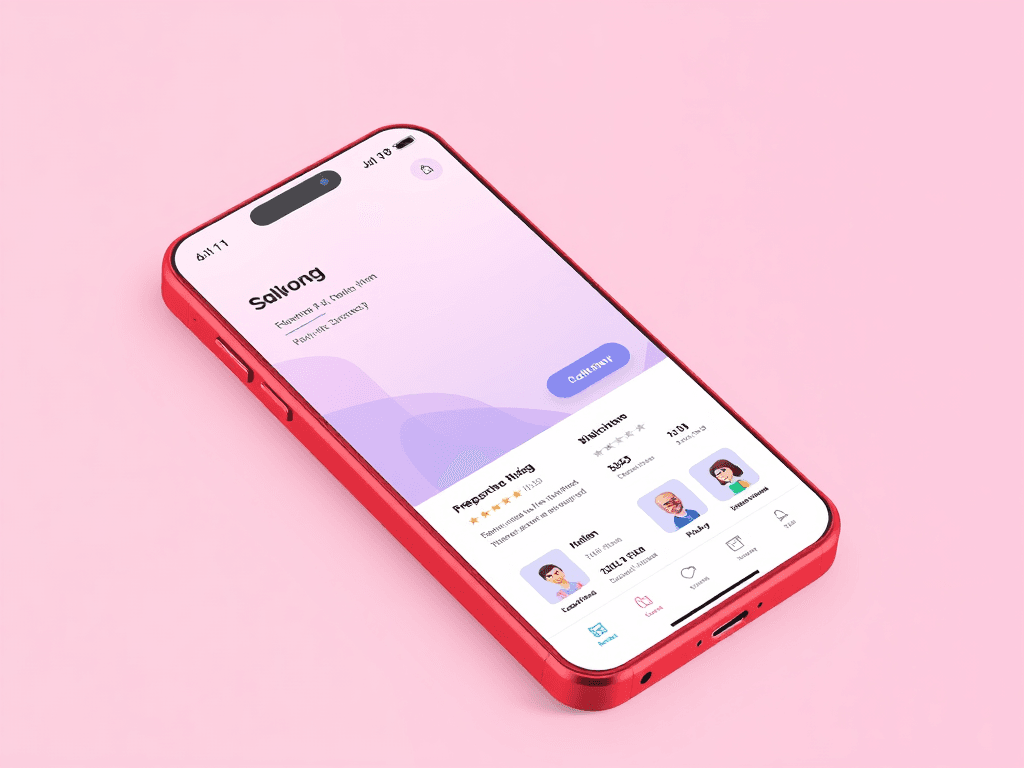
Introduction to UX Design for Mobile Apps
UX design is no longer a secondary consideration in mobile app development. With the rise of anticipatory design, users expect interfaces that predict their needs before they click. In this article, we will explore the key principles of UX design for mobile apps and provide actionable steps for implementation.
The Cognitive Load Problem
The primary reason most developer-led designs fail is that they misunderstand cognitive load. Users do not want to see your data schema; they want to complete a task with minimal mental effort. Cognitive load refers to the mental processing power required to use an interface. High cognitive load causes fatigue and errors.
The Logic-First Design Framework
To master UX without a formal design degree, adopt a 'Logic-First' framework. This approach treats design as constraints and variables, not an abstract art form. Developers can understand it through systematic rules. Instead of building pages, build a system of tokens. Design tokens are the basic units of your design system, including colors, spacing values, and typography settings.
Case Study: Optimizing Medical Dashboards
In early 2025, a Minneapolis-based health-tech startup faced a critical issue. Nurses were spending 40% of their time navigating a complex patient management system. The development team implemented a 'Logic-First' redesign, utilizing progressive disclosure to hide non-vital patient history and introducing a high-contrast color palette for critical alerts. By the end of Q3 2025, the average time per patient entry dropped by 14 minutes.
AI Tools and Resources for Developers
The emergence of AI-driven design tools in 2026 has changed the landscape. These tools make it easier for developers to bridge the skill gap. They act as a 'copilot' for your interface, ensuring you stay within good design principles. Galileo AI generates high-fidelity, editable UI designs from simple text prompts. Visily 2.0 turns hand-drawn sketches or screenshots into clean wireframes.
Actionable Steps for Implementation
If you are ready to upgrade your design skills this year, follow this four-step blueprint. These steps require no design background and produce immediate visible improvements. Step 1: Audit your spacing using the 8pt grid system. Step 2: Fix your typography scale by picking one font family and defining five sizes. Step 3: Implement visual feedback by adding 'loading' states to buttons and 'skeleton screens' for data fetches. Step 4: Conduct a 'one-hand' test to ensure users can reach the primary action button with their thumb.
Conclusion and Key Takeaways
Mastering UX in 2026 is not an optional 'soft skill' for developers. It is a core competency. By moving away from database-driven design and toward human-centric logic, you increase value. Move toward human-centric logic instead, increasing the value of your code and the success of your products.